
10 minutes before
Open the four things you may need
DM onlyA small amount of setup keeps the live session calm.
- 1
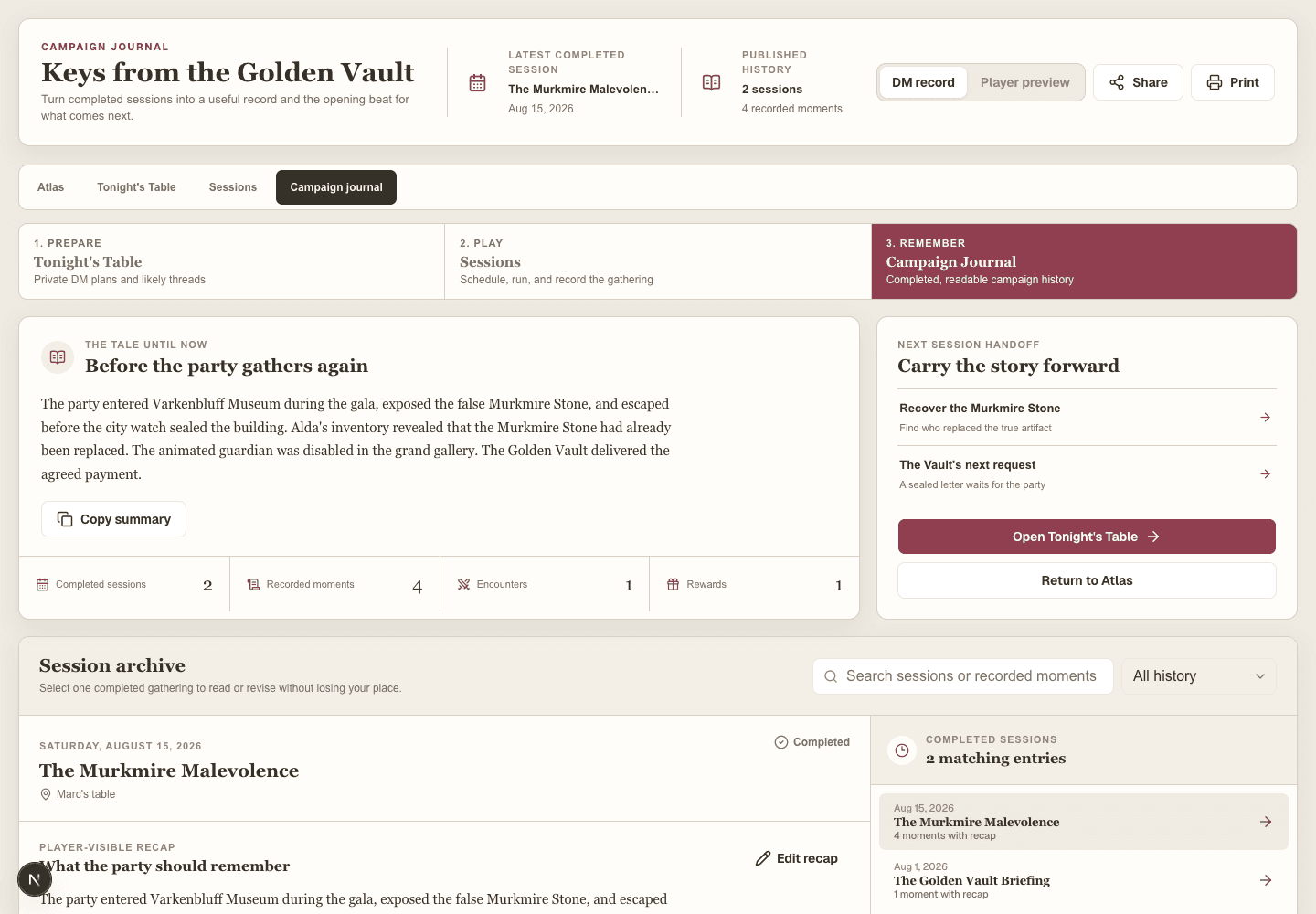
Open Tonight’s Table and review the opening note.
- 2
Open the campaign Atlas in a second tab.
- 3
Start or open the session from Sessions.
- 4
Open Player Display and connect the shared screen by QR code.
When you are donePrep, atlas, session, and player screen are ready.
Guide contentsOpening scene
Begin the live session
DM onlyStart the session before recording events so activity enters the correct journal record.
- 1
Choose Meet now or start the scheduled session.
- 2
Read the previous recap when continuity helps.
- 3
Place the characters on the opening Location or Event.
- 4
Reveal the opening thread or handout when the scene begins.
When you are donePlayers see the current situation and session activity is recording.
Guide contentsThe party learns something
Reveal a thread in seconds
DM onlyUse the atlas as the source of truth for discoveries.
- 1
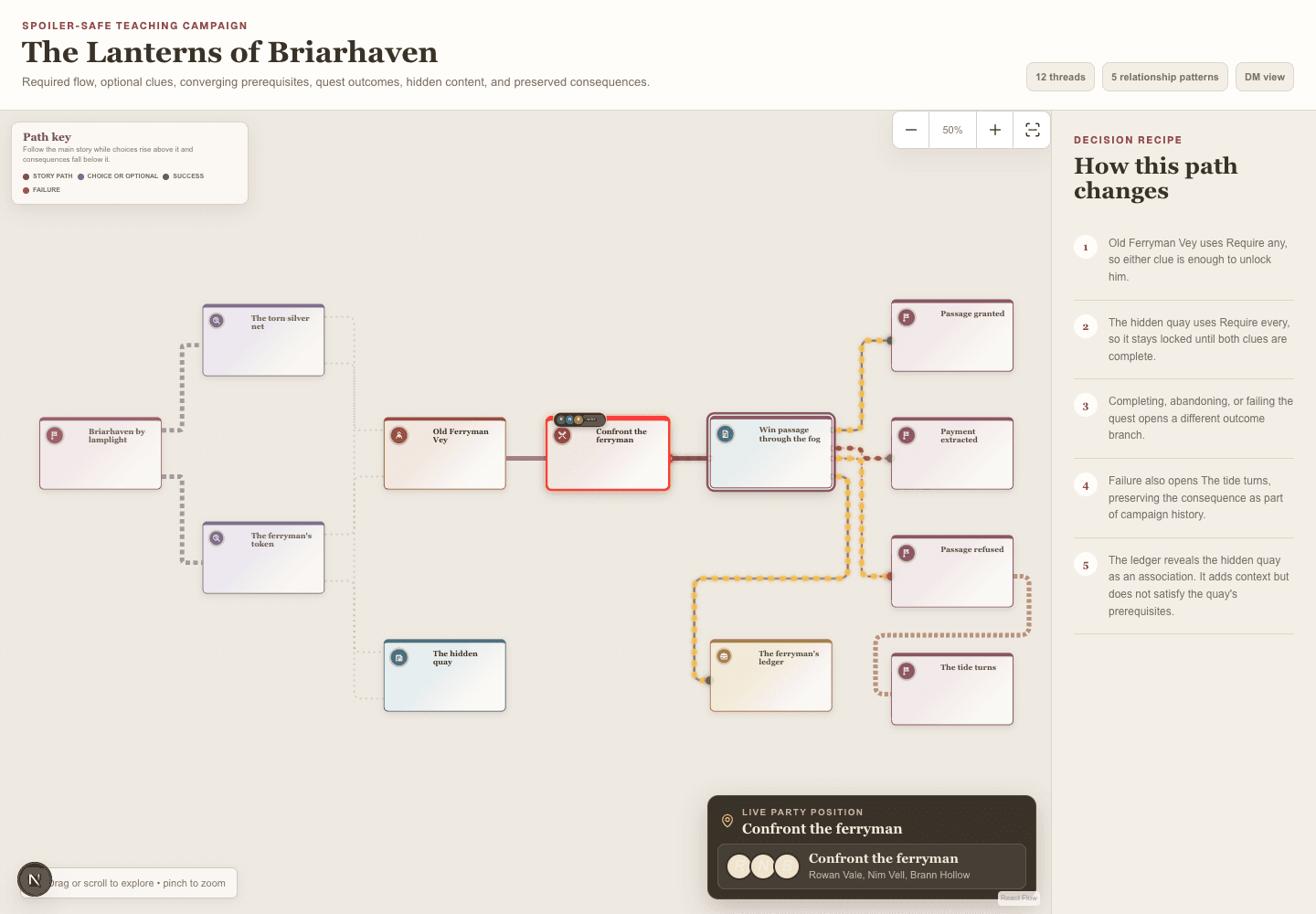
Select the relevant thread card.
- 2
Use the eye action to reveal it.
- 3
Complete or update its status if the party resolved it.
- 4
Present an associated handout when the visual matters.
When you are doneThe player dashboard and display reflect the new discovery.
Guide contentsInitiative is called
Run an encounter
DM onlyThe encounter must already contain at least one monster.
- 1
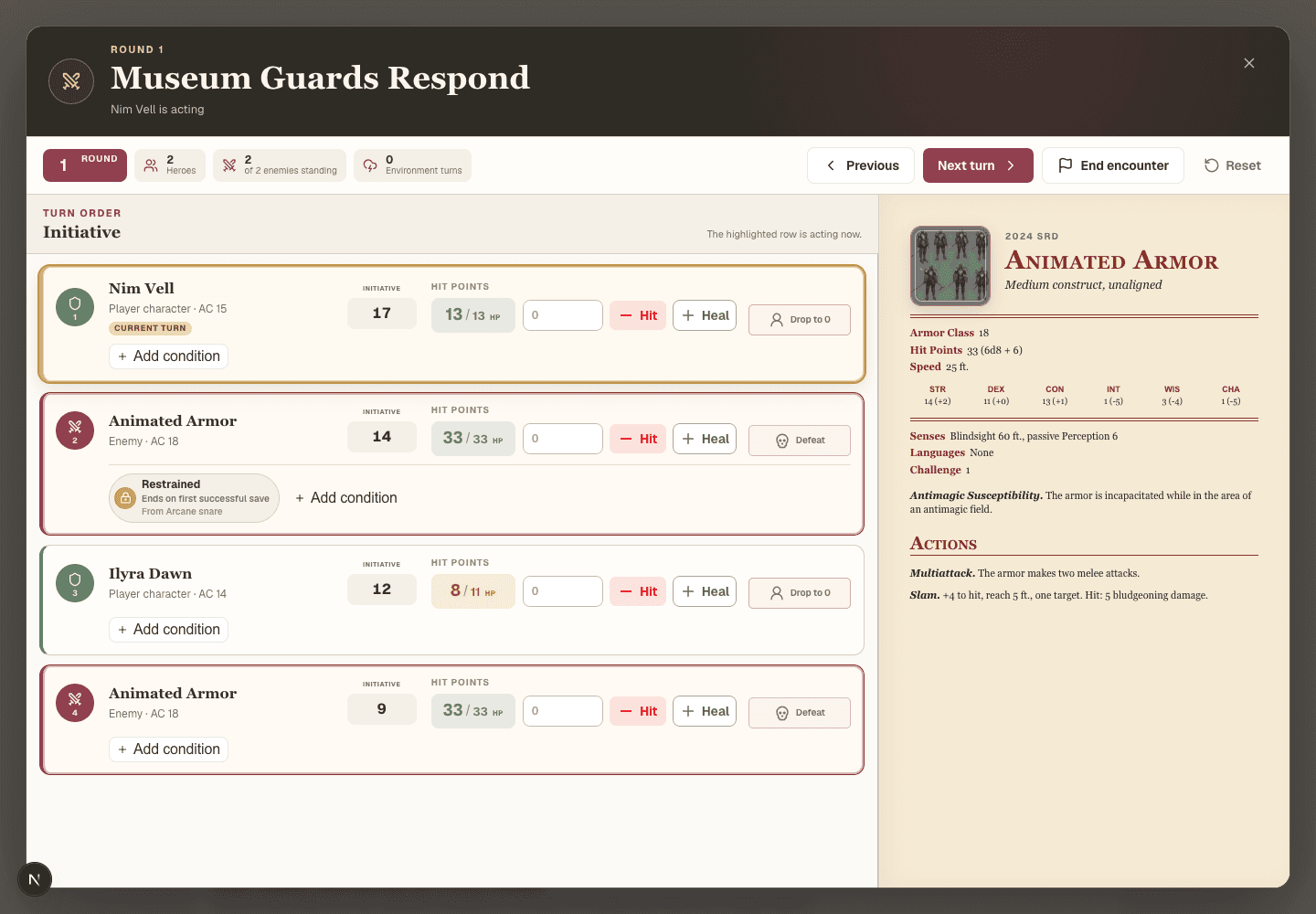
Select the Encounter thread and choose Run encounter.
- 2
Enter player initiative and roll or enter monster initiative.
- 3
Start combat and advance turns.
- 4
Enter an amount, then choose Hit or Heal to change HP.
- 5
Use the active monster stat block for actions and traits.
- 6
Wrap up combat and record creature outcomes.
When you are doneCombat ends, the session log updates, and the atlas remains current.
Guide contentsThe party earns a reward
Claim and assign Loot
DM onlyClaim Loot while the session is live so assignment becomes part of the session record.
- 1
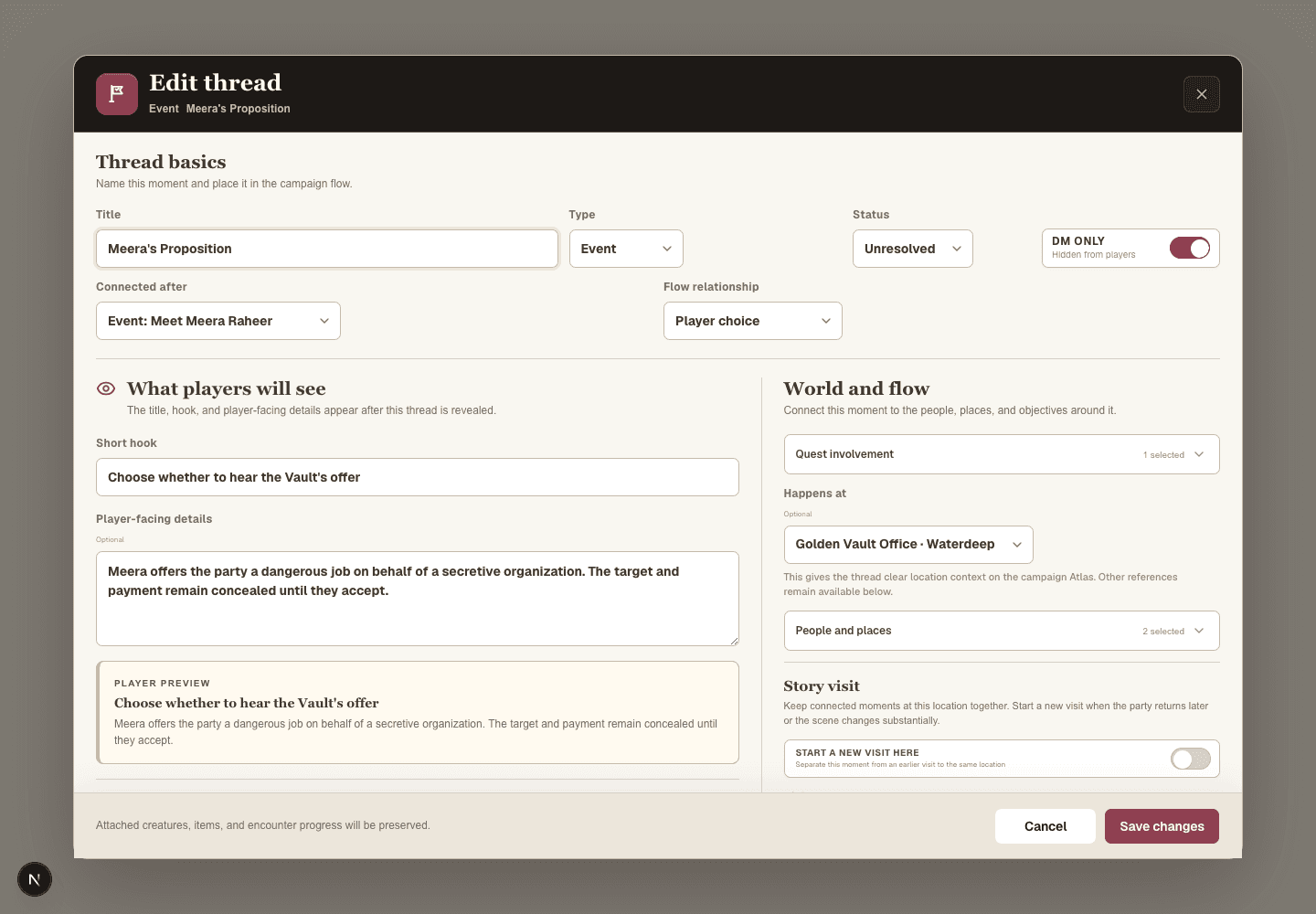
Open the Loot thread and confirm prerequisites are complete.
- 2
Mark an access challenge opened when one exists.
- 3
Complete the Loot thread.
- 4
Assign each item to a character or the party.
- 5
Divide coin evenly or enter deliberate shares.
When you are donePlayers can review the reward on their dashboard and in the journal.
Guide contentsLast five minutes
End the session cleanly
DM and playersA good close makes the next session much easier.
- 1
Place characters at their final Location, Event, or Encounter.
- 2
Resolve quests and threads that reached an outcome.
- 3
Confirm encounter and Loot records.
- 4
End the session and write a short player-safe recap.
- 5
Invite players to add memories after the game.
When you are doneThe Campaign Journal is ready and next-session prep has reliable context.
Guide contentsSomething is not working
Fast table troubleshooting
DM and playersProtect the flow of play first. Most records can be corrected after the session.
- 1
Refresh once if a newly revealed item does not appear.
- 2
Check that the correct campaign is selected.
- 3
Confirm the session is live before expecting assignments or activity logging.
- 4
Fit Player Display if it seems lost off-canvas.
- 5
Use Blackout and continue verbally if the shared display needs attention.
- 6
Copy important temporary notes into the session before closing the browser.
When you are doneThe game continues, and deeper repair can wait until after the table.
Guide contents