
Your invitation
Join a campaign from its private link
PlayerThe DM sends a link that already identifies the campaign. You do not need to copy or enter an invitation code.
- 1
Open the branded invitation link from the DM and review the campaign role explanation.
- 2
Sign in with Google, Apple, or your Lore Atlas email and password.
- 3
Enter the name your table knows you by and accept the invitation or send a join request.
- 4
If approval is required, watch the notification bell for the DM’s decision.
- 5
Use the campaign picker later to switch between campaigns you run and campaigns you play in.
When you are doneThe campaign appears under Campaigns I play in.
Guide contentsPlan together
Add notes, priorities, and character knowledge
PlayerEvery revealed thread can become a small shared planning space. You can contribute without editing the DM’s Atlas or seeing unrevealed content.
- 1
Choose Discuss and plan on a revealed thread card.
- 2
Mark a thread for next when you want the party to revisit it.
- 3
Vote on a visible quest to show which objective interests you most.
- 4
Mark character knowledge when your character knows something that the whole party may not know.
- 5
Write a concise note and send it to the DM for approval.
- 6
Return after approval to see the note in the shared party record.
When you are doneThe party has a useful shared memory while the campaign structure remains DM-controlled.
Guide contentsYour adventurer
Claim or create a character
PlayerThe campaign may already contain a character prepared for you. If not, you can create one using the rules editions the DM enabled.
- 1
Open the campaign’s Overview page.
- 2
Choose an unclaimed prepared character, or open Create a character.
- 3
Enter the character name, class, level, armor class, maximum HP, initiative modifier, and available rules options.
- 4
Keep current HP, conditions, and private character notes updated between sessions.
- 5
Ask the DM to unclaim the character if the wrong person claimed it.
When you are doneYour character and campaign activity are connected to your account.
Guide contentsCampaign dashboard
Use the Overview to see what matters now
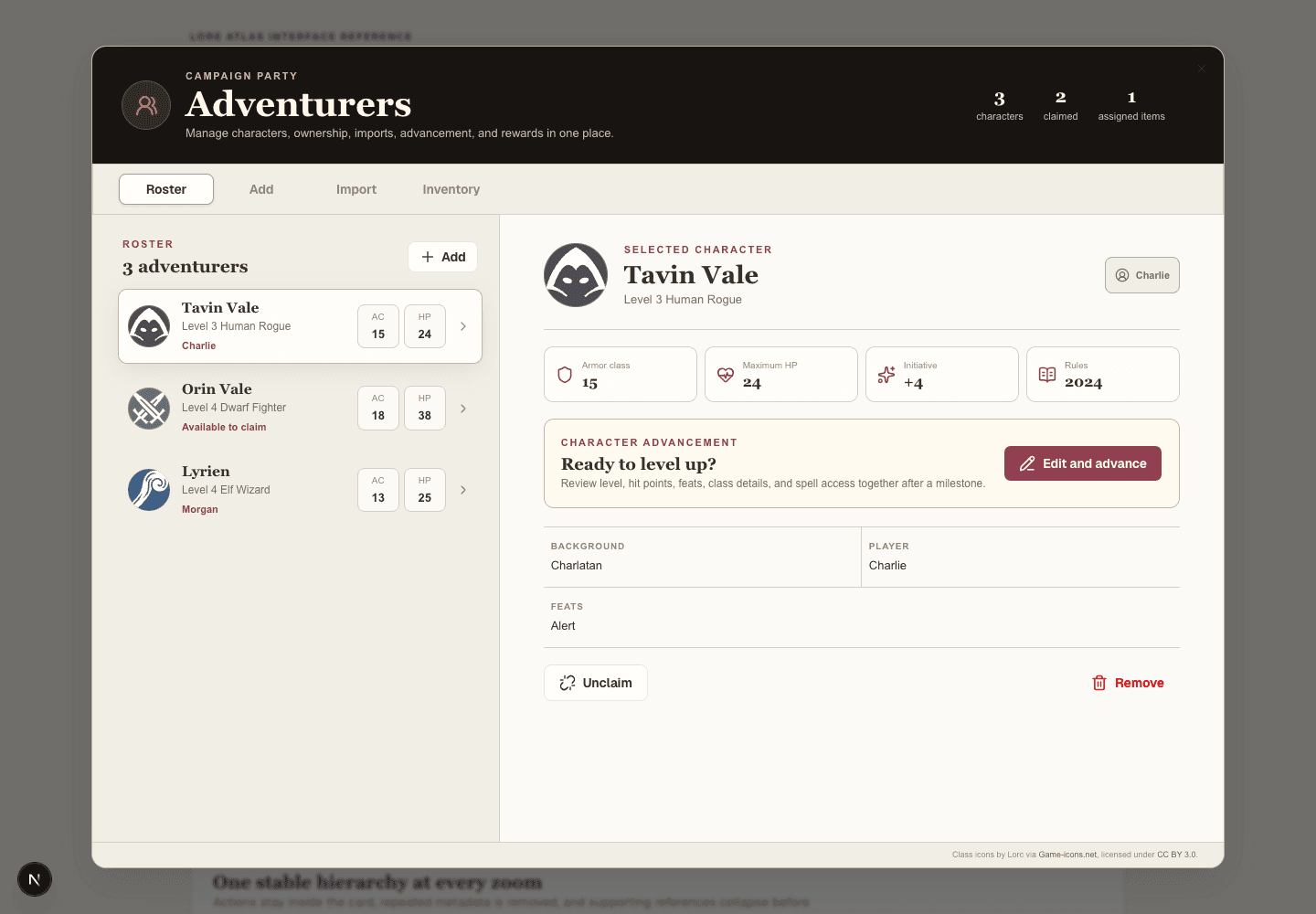
PlayerOverview is the player home screen. It brings current location, active quests, known people and places, session timing, recent activity, and rewards together.
- 1
Check Current location to see where the DM last placed your character.
- 2
Review active quests and newly revealed discoveries.
- 3
Look for the next scheduled session or the live session indicator.
- 4
Review recent loot assigned specifically to your character.
- 5
Use Take a tour to open Wayfinder and follow the campaign as your character knows it.
When you are doneYou can return after a break and quickly understand the current situation.
Guide contentsThe discovered world
Read the atlas without seeing spoilers
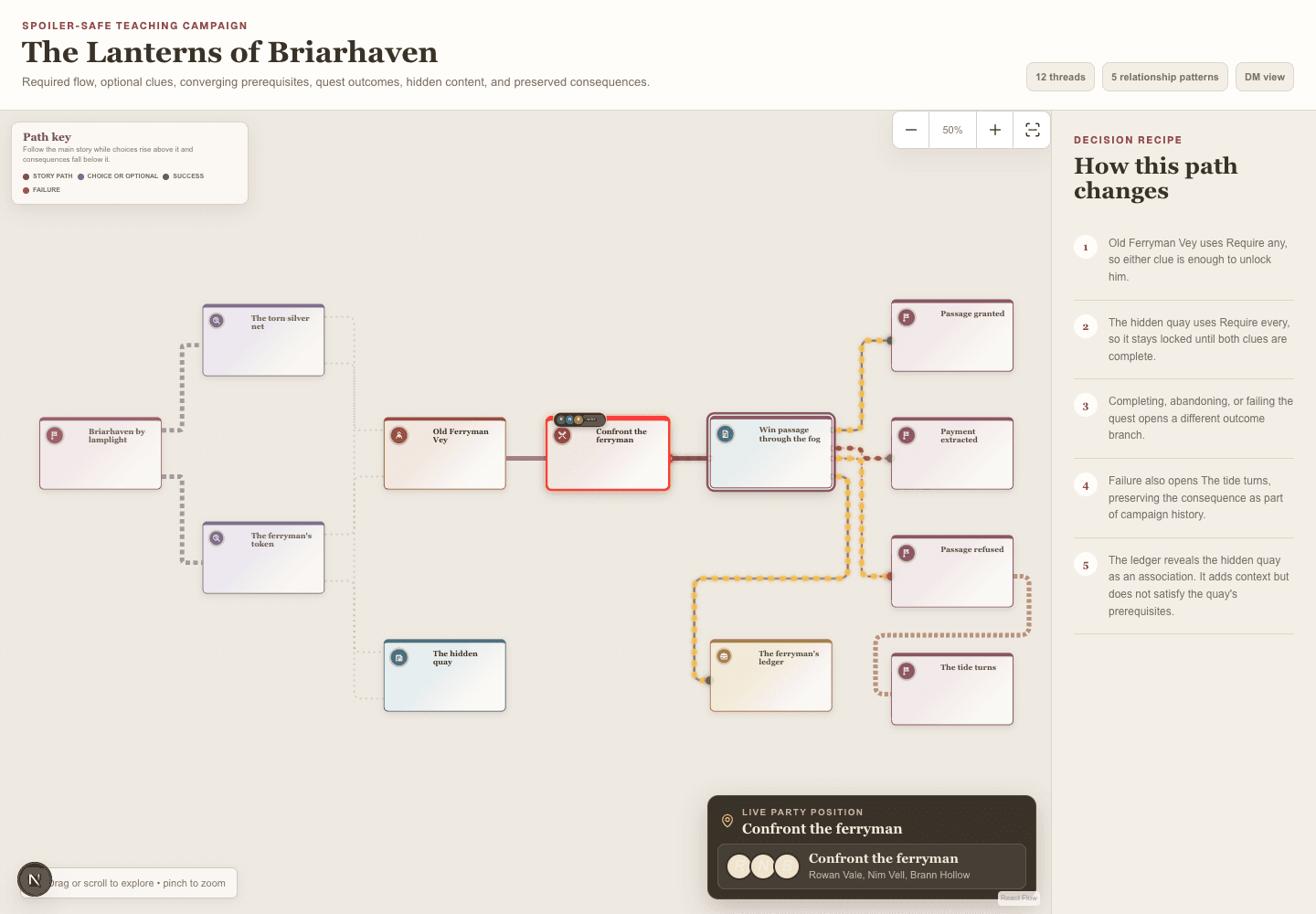
PlayerThe player atlas is a record of what the party knows. It grows as the DM reveals threads and quest outcomes unlock new paths.
- 1
Open Discoveries from the player navigation.
- 2
Browse visible Events, Locations, NPCs, Quests, Encounters, Clues, and Loot along the party’s discovered path.
- 3
Read the connection to understand what led to each discovery.
- 4
Use quest status to distinguish available, accepted, active, completed, failed, and abandoned objectives.
- 5
Return to associated handouts for portraits, places, maps, and other revealed images.
When you are doneThe party shares one spoiler-safe understanding of the campaign world.
Guide contentsAt the table
Follow scheduled and live sessions
DM and playersPlayers can see when the next gathering is scheduled and when a session is currently live. The DM operates the live session record.
- 1
Check Overview for the next date, time, and venue.
- 2
When the session begins, look for the live indicator and current campaign activity.
- 3
Use the player-facing atlas or shared Player Display instead of the DM’s private screen.
- 4
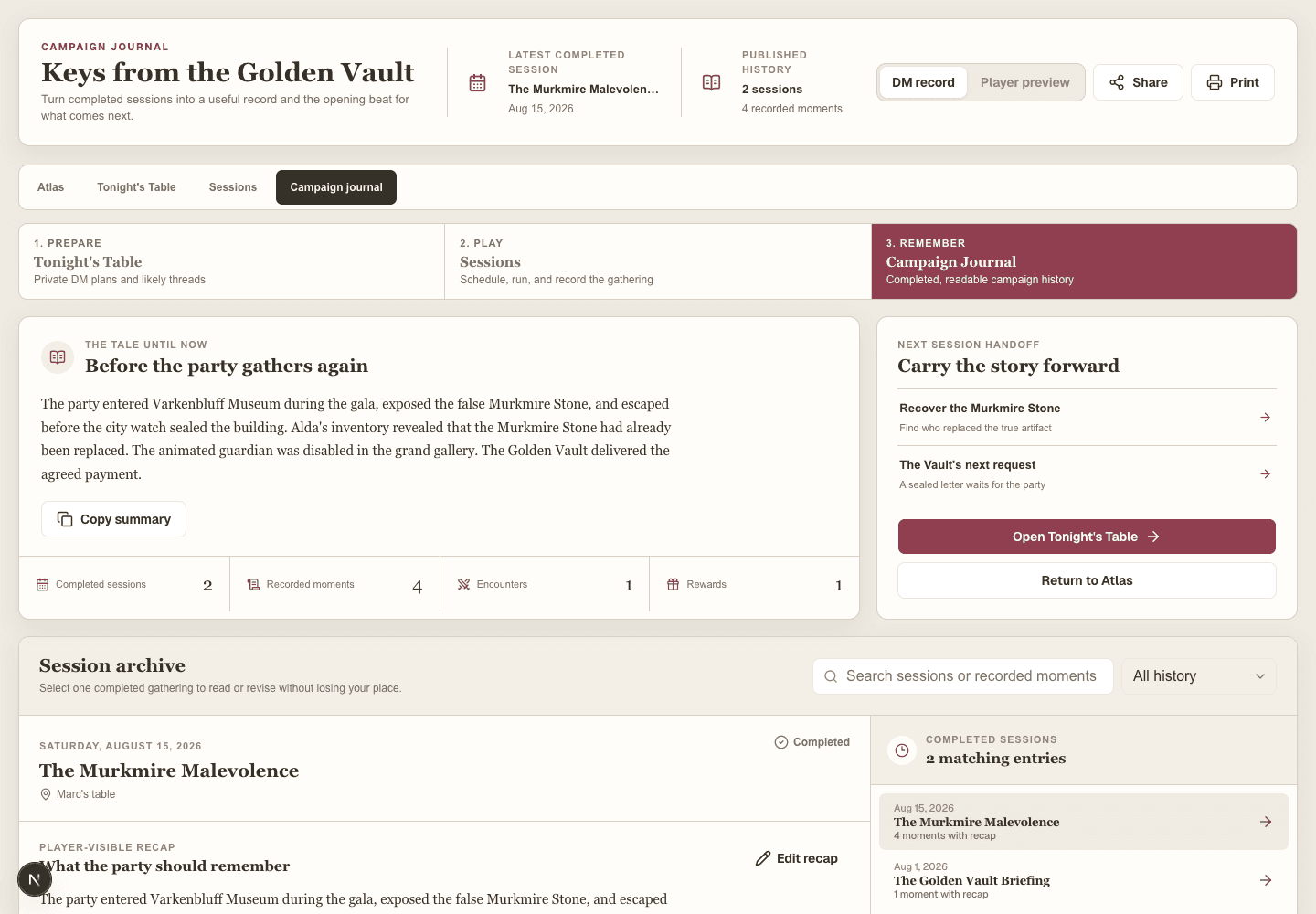
After the DM ends the session, open Campaign journal for the recap.
When you are doneEveryone knows when the table meets and where completed play is recorded.
Guide contentsRewards
Understand claimed and assigned loot
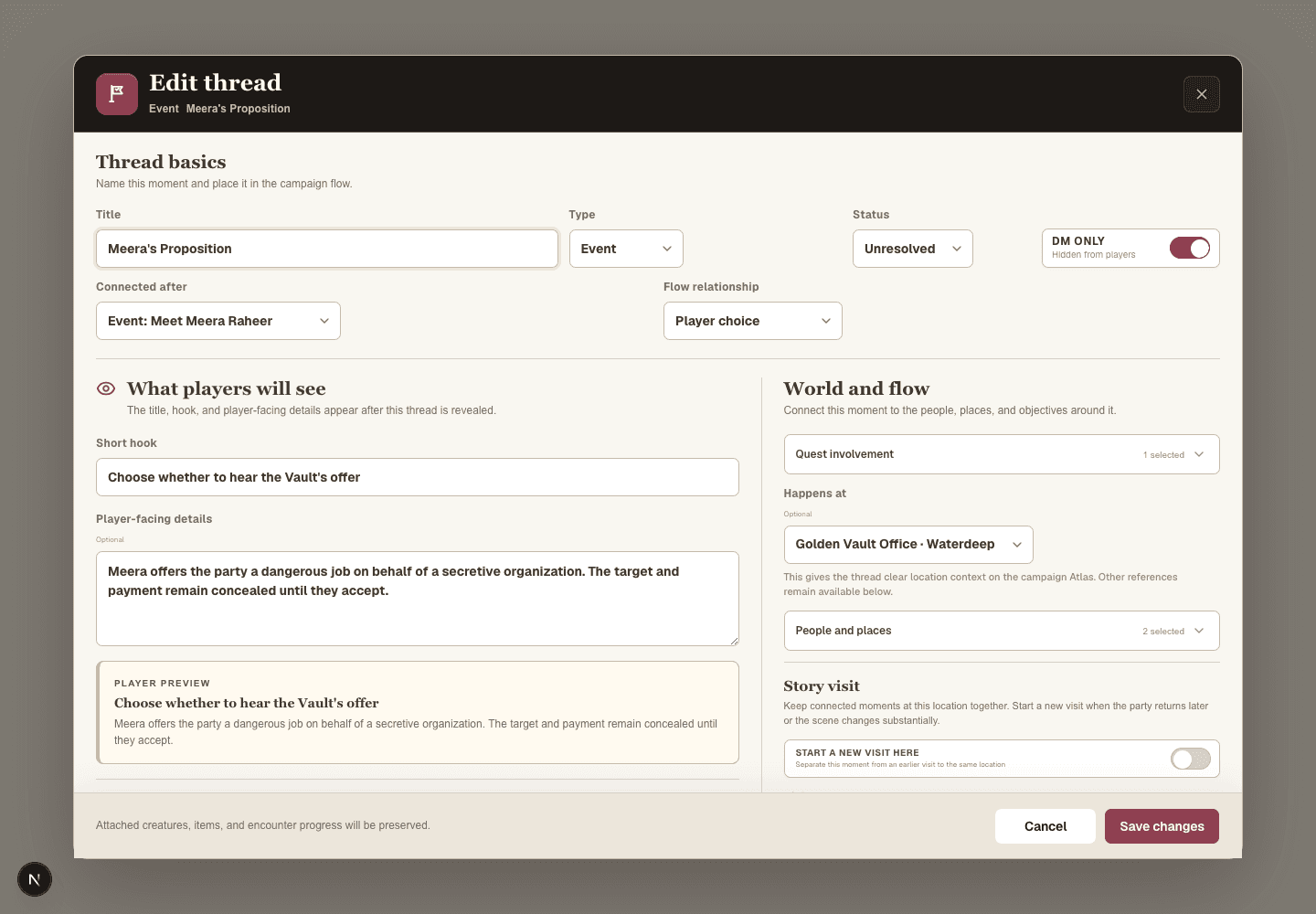
DM and playersThe DM claims Loot during a live session and assigns items or currency. Your dashboard shows rewards assigned to your character.
- 1
Review Your inventory on the player dashboard.
- 2
Open item details inside Lore Atlas when a reference is available.
- 3
Check the Campaign Journal to see when and how the party earned the reward.
- 4
Ask the DM if party inventory or ownership needs correction. The DM controls assignment history.
When you are doneRewards stay connected to the character and the session where they were earned.
Guide contentsCampaign history
Read recaps and add your memories
DM and playersThe Campaign Journal tells the lasting story of completed sessions with recaps, encounters, discoveries, movement, and rewards.
- 1
Open Campaign journal from the player navigation.
- 2
Read the newest recap or browse older sessions chronologically.
- 3
Use the story-so-far summary when returning after a break.
- 4
Add a player memory for a favorite moment, character reaction, or detail the table wants to remember.
- 5
Use the player-safe print view when you want a physical campaign record.
When you are donePlayers help preserve the campaign as a shared story, not just a DM record.
Guide contentsCommunity creations
Discover and support Homebrew
DM and playersThe standalone Homebrew catalog is available whenever you are signed in, even when no campaign is selected.
- 1
Search by name, publisher, tags, rules text, type, edition, rarity, challenge rating, or license.
- 2
Open the full reference page before saving or rating an entry.
- 3
Favorite entries you enjoy and save useful ones to your library.
- 4
Leave constructive, profanity-free comments based on actual play or careful rules review.
- 5
Report copyright, safety, spam, or accuracy concerns privately to moderators.
When you are doneCommunity material remains discoverable, credited, and useful beyond one campaign.
Guide contentsWhat you can see
Understand player visibility and privacy
PlayerLore Atlas deliberately separates DM plans from player knowledge. Your client should receive only revealed campaign content and player-safe session history.
- 1
Treat the player dashboard as the authoritative view of what the party currently knows.
- 2
Use your own account instead of sharing credentials with another player.
- 3
Keep private character notes free of passwords or highly sensitive personal information.
- 4
Tell the DM if something appears that seems like an accidental spoiler.
When you are doneThe table can collaborate without exposing private campaign preparation.
Guide contents